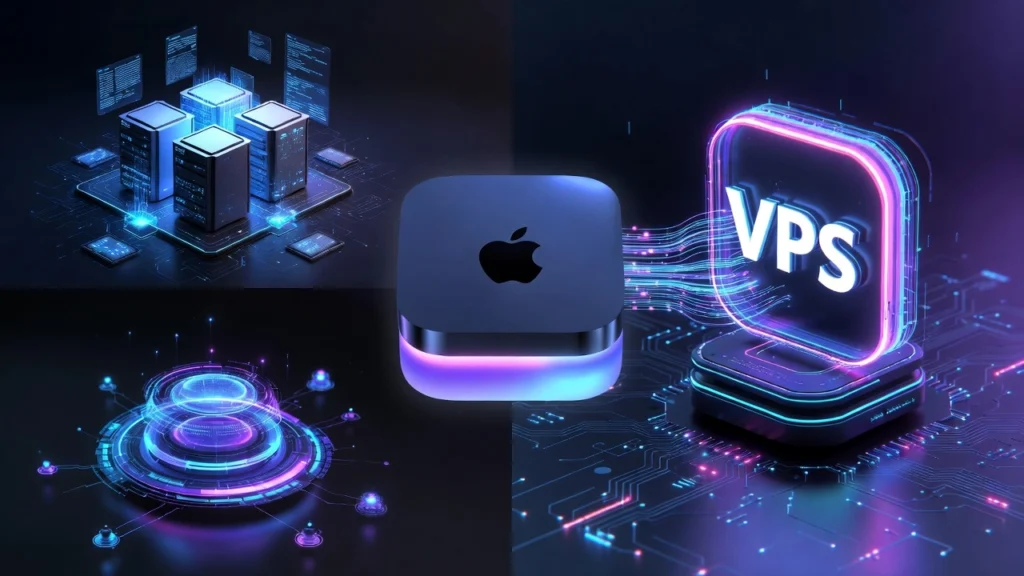

Running an autonomous AI assistant is about constant, secure, and reliable automation. While a Mac Mini seems like convenient hardware, a Virtual Private Server (VPS) is the superior, professional-grade foundation for a tool like OpenClaw. The core advantages are unattended 24/7 operation and a hardened security sandbox, turning your AI from a hobbyist project into a resilient digital employee.
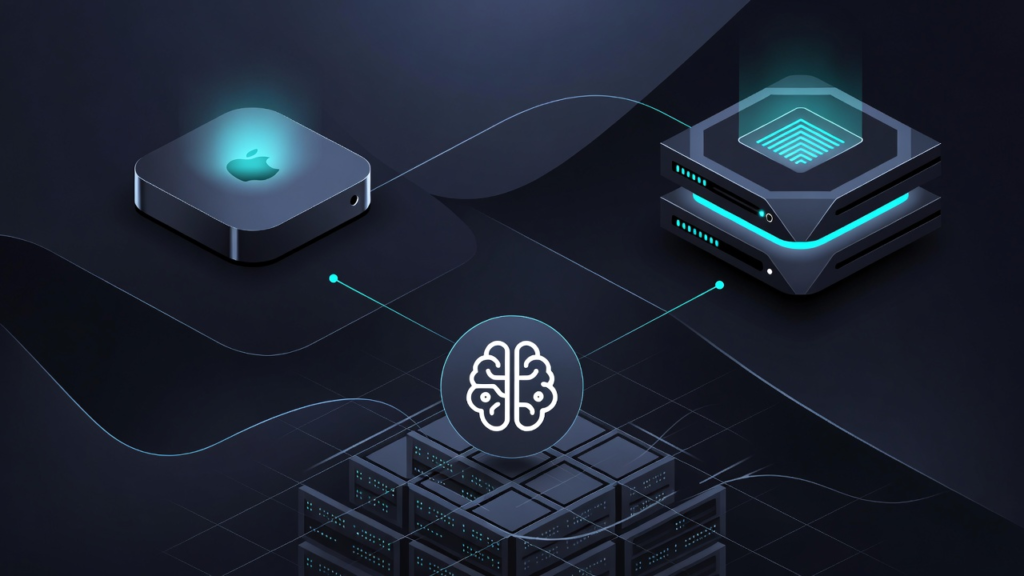
Core Advantage #1: Your AI Works 24/7, Even When Your Mac is Asleep
A physical machine like a Mac Mini must remain powered on and connected to function. The moment you close the lid or shut it down, your AI agent stops. A VPS eliminates this single point of failure.
- Always-On Automation: Your OpenClaw agent can triage emails, control smart devices, or run scheduled tasks at 3 AM without interruption.
- Independent Operation: It runs autonomously from the cloud, completely decoupled from your personal computer’s uptime.
- Resource Dedication: Server resources on a VPS are dedicated solely to your agent, not shared with your desktop applications.
Think of your Mac Mini as a part-time intern—it only works when you’re in the office. A VPS is your full-time, around-the-clock digital operations manager.
Core Advantage #2: VPS Provides Built-In Security Sandboxing by Default
Granting an AI agent with terminal access to your primary computer is a significant security risk. A VPS acts as a critical containment layer.
Your personal files, photos, and system on your Mac Mini are completely isolated from the agent’s environment on the VPS. Even if a compromised agent tries to delete system files, it’s only affecting the disposable cloud server, not your primary machine. This is the recommended sandboxing method for managing risks.
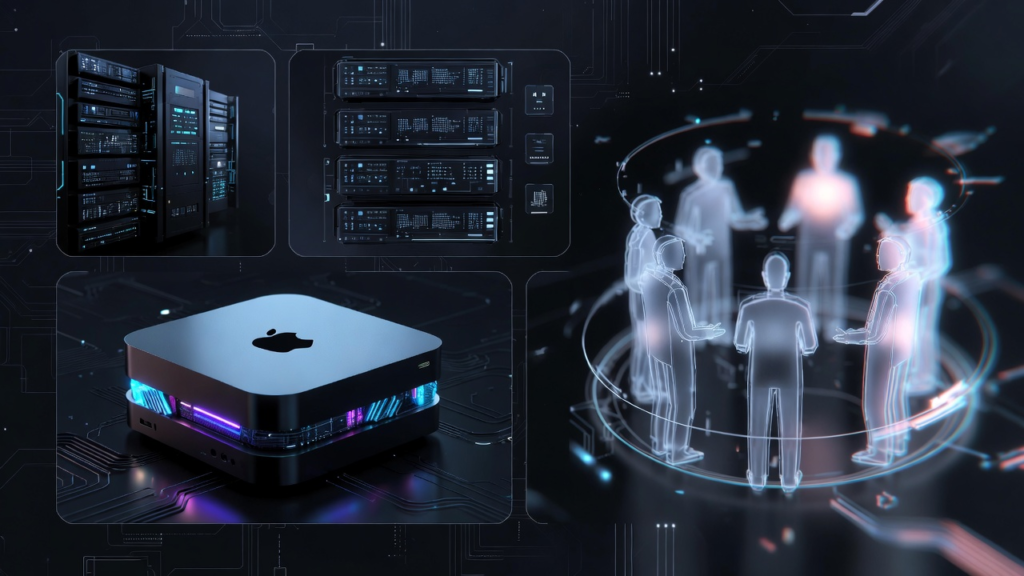
Setup Showdown: 1-Click VPS Docker vs. Complex Local Configuration
The installation process highlights the efficiency gap. On a VPS like Hostinger, deployment is streamlined for production.
- VPS Method (Recommended): Select a KVM2 plan, enable Docker, search the catalog for “OpenClaw,” and click deploy. Paste your API key, and you’re running in minutes.
- Local/Mac Mini Method: Requires managing Node.js versions, global npm installs, and manually configuring systemd services via the
openclaw onboard --install-daemonwizard.
The VPS path is a managed, cloud-native deployment. The local path is a hands-on sysadmin task, adding complexity before you even use the AI.
Essential Maintenance: Health & Security Checks Are Universal
Whether on a VPS or local machine, maintaining your OpenClaw instance is non-negotiable. These commands are your first line of defense.
openclaw status: Instantly verify the gateway service is active.openclaw doctor: The diagnostic tool to find integrity problems. Runopenclaw doctor fixfor automatic repairs.openclaw security-audit --deep: This critical scan hunts for vulnerabilities like excessive file permissions, a must-run on any installation.
Connecting to Messaging Apps: Secure Your Channels Immediately
Linking Telegram or WhatsApp is easy, but security configuration is paramount. After getting your bot token from @BotFather or scanning the WhatsApp QR code, you must whitelist your phone number in the OpenClaw settings. This prevents anyone else from commanding your AI agent.
Final Verdict: A VPS is the Professional’s Choice for Autonomous AI
For a serious, set-and-forget OpenClaw deployment, the choice is clear. A Mac Mini ties your AI’s capability to your desktop’s power cord and exposes your primary system to risk. A VPS delivers enterprise-grade benefits:
- Guaranteed Uptime for 24/7 task automation.
- Built-in Security Isolation from your personal data.
- Simplified, Managed Deployment via Docker.
- Scalability to upgrade resources as your agent’s needs grow.
Invest in a VPS. It transforms OpenClaw from a cool experiment running on your spare Mac into a reliable, always-available digital assistant.