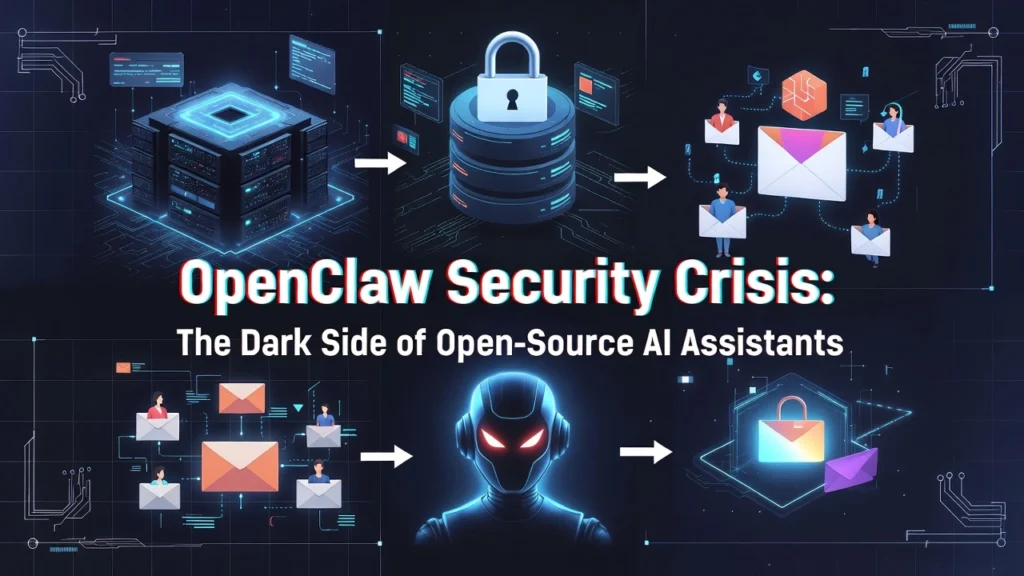

The explosive rise of OpenClaw, the self-hosted AI assistant with over 149,000 GitHub stars, has unveiled a parallel epidemic of critical security flaws. What promises to be a gateway to autonomous computing is, according to cybersecurity experts, an “absolute nightmare” of remote code execution, malicious extensions, and exposed personal data. This is the urgent reality behind the open-source AI revolution.
CVE-2026-25253: The One-Click Remote Code Execution Nightmare
The most severe threat is a critical vulnerability scored CVSS 8.8. This flaw allows attackers to achieve complete system takeover through a single malicious link.
How the Attack Works: The exploit bypasses WebSocket origin validation to steal authentication tokens. Shockingly, this works even if your OpenClaw instance is only running locally on your machine (localhost). One click is all it takes for an attacker to exfiltrate your tokens and gain remote code execution (RCE) on your host system.
This isn’t a theoretical risk. The patched vulnerability (CVE-2026-25253) represents a fundamental design flaw in early versions, turning a personal assistant into a public backdoor. Immediate updating is non-negotiable.
ClawHavoc: 341 Malicious Skills Designed to Steal Your Crypto & Passwords
The official skill marketplace, ClawHub, has become a hunting ground for malware distributors. Researchers identified 341 malicious skills specifically crafted to compromise users.
- Primary Target: Financial assets and identity data. Skills posed as legitimate tools like “solana-wallet-tracker.”
- Payload: Atomic Stealer (AMOS) malware for macOS, a potent info-stealer.
- Data Harvested: Private cryptocurrency keys, browser-stored passwords, and exchange API keys.
This turns any task involving financial tracking or account management into a high-risk operation.

6 Types of High-Risk Tasks That Can Compromise Your System
Using OpenClaw safely means understanding which tasks are perilous. Granting an AI agent system-level privileges inherently expands your attack surface.
1. High-Privilege System Management & Shell Commands
Any task where the bot executes commands or manages files is risky. A malicious skill can run silent curl commands to siphon your data to an external server.
2. Processing Untrusted Data (Emails, Web Pages)
This invites prompt injection attacks. A single malicious document can contain hidden instructions that force the assistant to leak private keys in under five minutes.
3. Integrating with Personal Accounts (Gmail, Smart Home)
Skills for YouTube summaries or Google Workspace access are prime targets. Compromise here gives attackers direct access to your digital identity and sensitive communications.
The core danger is privilege escalation. A skill designed to summarize YouTube videos shouldn’t need access to your shell, but the open architecture of OpenClaw can allow such overreach, turning a simple utility into a powerful spyware.
Financial Burn: How Simple “Heartbeat” Tasks Can Cost $750 Per Month
Beyond security, there’s a direct financial risk. Using premium AI models like Claude 4.5 Opus for automated tasks is prohibitively expensive.
- Real-World Example: A developer spent $20 overnight for the bot to simply check the time every 30 minutes.
- Projected Cost: For routine reminders, monthly API costs could balloon to $750 or more due to large context windows sent with every request.
This makes autonomous scheduling or status checks a potentially bankrupting venture.

Secure Deployment Guide: How to Safely Host Your OpenClaw Instance
You can mitigate these risks with disciplined deployment practices. The golden rule: never expose OpenClaw directly to the public internet.
Option 1: Use Emergent for Web-Based Secure Hosting
This is the recommended path for most users. Emergent provides secure container hosting with built-in login authentication and high-entropy slugs, effectively preventing brute-force attacks.
Option 2: Harden Your Self-Hosted Instance
If self-hosting, follow these mandatory steps:
- Immediate Update: Run
npm update -g openclawto get patches for CVE-2026-25253 (fixed in v2026.1.29/30). - Access Control: Use an SSH tunnel or a VPN like Tailscale for remote access. Do NOT simply open a port on your router.
- Skill Audit: Rigorously vet any skill from ClawHub. Assume unknown publishers are malicious.
Security is not a default setting in OpenClaw; it’s a configuration you must actively architect. Using a managed service like Emergent shifts the burden of container security and access control away from the individual user, which is the single most effective safety upgrade.

Conclusion: Vigilance is the Price of Autonomous Power
OpenClaw represents a fascinating frontier in personal AI, enabling everything from messaging app automation to the bizarre social world of Claw City. However, its power is a double-edged sword. The ecosystem’s rapid growth has outpaced its security maturity, creating a landscape fraught with remote code execution, supply chain attacks, and financial pitfalls.
The path forward requires treating your AI assistant with the same caution as a server with root access. Update relentlessly, deploy securely via Emergent or hardened tunnels, and scrutinize every extension. The age of personal AI is here, but its safe adoption demands a security-first mindset.